Hosting plans come in three main flavours. Most people only ever need the first one, some outgrow it, and a few pick the wrong one on day one and pay for resources they never use. This guide explains how shared, VPS and cloud hosting differ, who each is for, and what the step up costs.
Shared hosting: one server, many sites
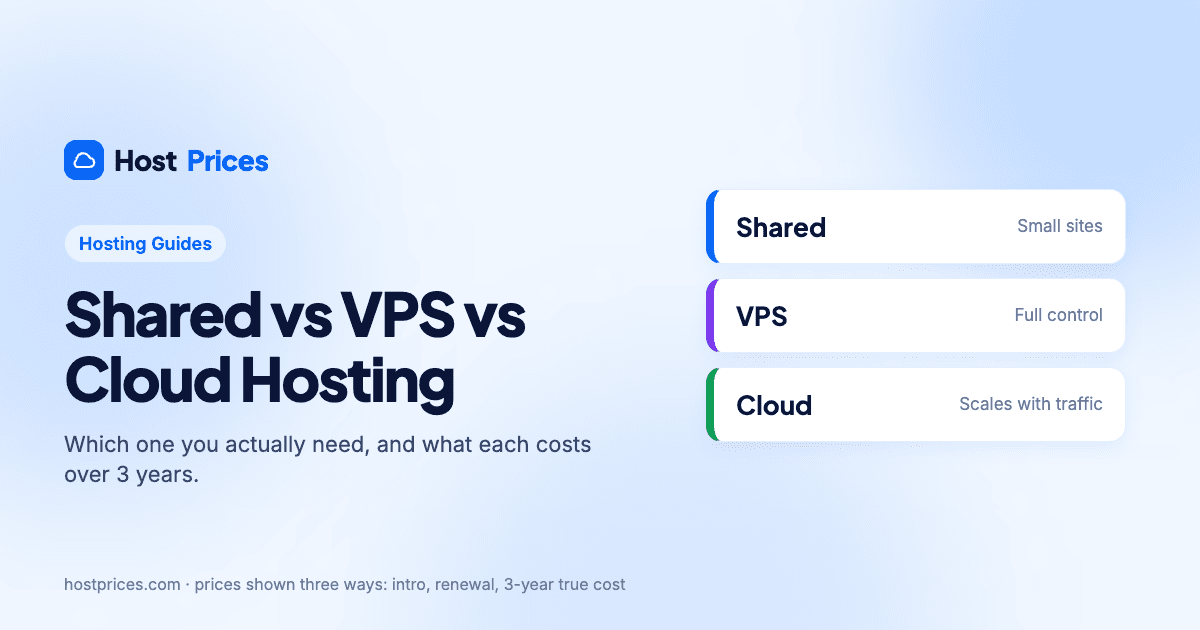
On a shared plan your site lives on a server alongside hundreds of others and shares its processor, memory and disk. The host manages the server completely; you get a control panel, a one-click installer for WordPress and support that covers the platform. It is the cheapest option by far and it is what the headline "$2.99 a month" deals refer to.
Good for: blogs, portfolios, small business sites, anything under a few tens of thousands of visits a month.
Limits: resources are shared, so a busy neighbour can slow you down; you cannot install server software; storage and site counts are capped on entry plans.
Typical 3-year true cost: $107 to $470 in our catalogue, depending mostly on the renewal price.
VPS hosting: a slice of a server that is yours
A virtual private server carves one physical machine into several isolated virtual ones. Yours has a guaranteed amount of CPU, RAM and storage and root access, so you can install whatever you like. The trade-off is responsibility: on an unmanaged VPS you handle updates, security and backups yourself; managed VPS plans put the host back in charge for a higher price.
Good for: developers, custom applications, sites that need specific software or consistent performance under load.
Limits: you need some server knowledge, or a managed plan; resources are fixed, so a spike beyond your allocation still slows the site.
Typical price: from a few dollars a month for a small unmanaged server to several times that for managed plans; see our VPS hosting comparison.
Cloud hosting: resources that scale
Cloud hosting spreads your site across a cluster of servers and lets resources grow or shrink with demand. In practice most "cloud" plans from shared hosts are managed products: you get the simplicity of shared hosting with more memory, more processing power and daily backups, and the host handles the scaling. SiteGround runs all its plans on Google Cloud; Hostinger sells dedicated Cloud plans alongside its shared tiers.
Good for: online shops, sites with campaign-driven traffic spikes, agencies hosting several client sites.
Limits: costs more than shared hosting, and "cloud" is used loosely; check what resources are actually guaranteed.
What the step up costs
| Plan | Intro · renewal | 3-year true cost | Includes | Action |
|---|---|---|---|---|
 HostingerPremium | $2.99/morenews $10.99/mo · $107.64 over 3 yrs | $107.64Lowest |
| View plan |
HostingerUnlimited | $3.99/morenews $16.99/mo · $143.64 over 3 yrs | $143.64 |
| View plan |
HostingerCloud Startup | $7.99/morenews $25.99/mo · $287.64 over 3 yrs | $287.64 |
| View plan |
3-year true cost = intro term at the intro price, then renewals at the renewal price, for 36 months. Prices exclude tax.
Staying within one provider makes the comparison fair. Hostinger's Premium, Unlimited and Cloud Startup plans show the typical ladder: a small increase to lift the site and storage limits, then a larger one for dedicated cloud resources and daily backups. Over three years the cloud tier costs roughly two and a half times the entry plan, which is still well under what an unmanaged VPS plus your own time would come to.
How to decide
Start on shared hosting unless you already know you need root access or guaranteed resources. It is cheap to try and every host here refunds within 30 days.
Watch two signals: pages slowing down at busy times, and resource warnings from your host. Both mean you are outgrowing shared.
If you need software the host does not offer (a custom runtime, a database engine, a background worker), go VPS.
If you need headroom and backups but not server access, go cloud. It is the usual next step for a growing WordPress or WooCommerce site.