A small business website does not need expensive hosting, but it does need hosting you can rely on and a bill you can predict. The plans that work best are rarely the ones with the biggest discount on the homepage. Work through the checklist below and you will end up with a host that fits the business rather than the advert.
1. Budget on three years, not the first invoice
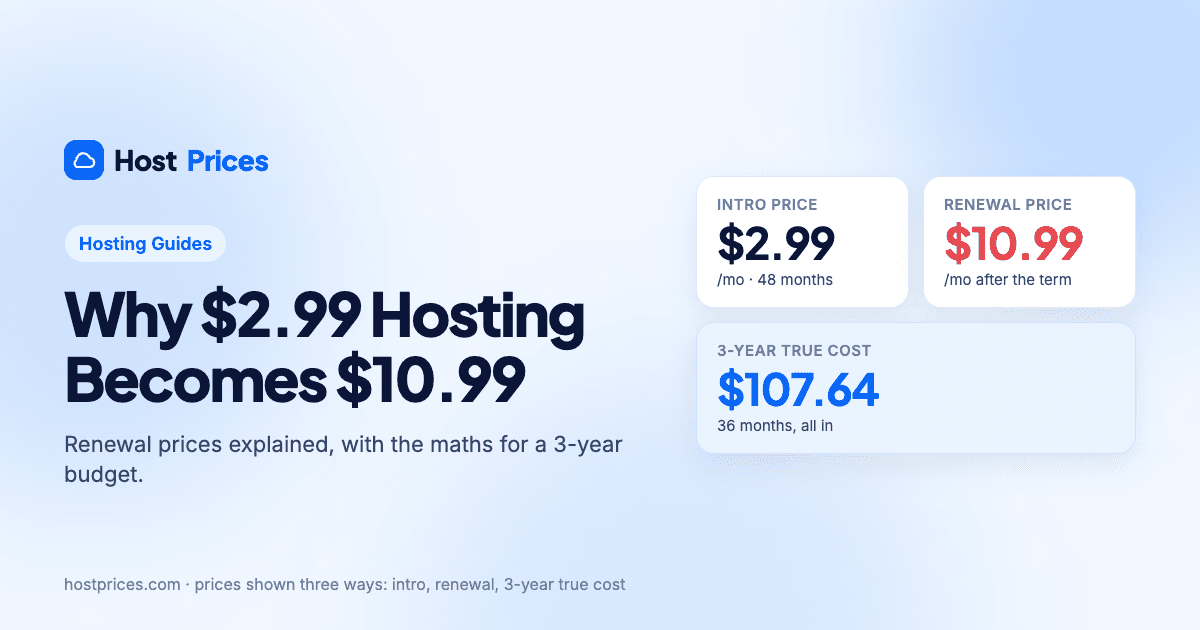
Hosting is sold with a promotional intro price for the first term and a higher renewal price afterwards. For a business that will be around for years, the renewal price is the real price. Compare plans on the 3-year true cost and you will avoid the most common surprise in hosting: an invoice two to six times bigger than the one you planned for.
| Plan | Intro · renewal | 3-year true cost | Includes | Action |
|---|---|---|---|---|
 HostingerPremium | $2.99/morenews $10.99/mo · $107.64 over 3 yrs | $107.64Lowest |
| View plan |
 BluehostBusiness | $6.99/morenews $13.99/mo · $251.64 over 3 yrs | $251.64 |
| View plan |
 NamecheapStellar Business | $4.98/morenews $10.74/mo · $317.52 over 3 yrs | $317.52 |
| View plan |
 SiteGroundGrowBig | $4.99/morenews $29.99/mo · $779.64 over 3 yrs | $779.64 |
| View plan |
3-year true cost = intro term at the intro price, then renewals at the renewal price, for 36 months. Prices exclude tax.
The table shows business-oriented plans from four hosts with the three-year figure worked out. Notice how a long intro term (Hostinger, Bluehost) keeps the total low, and how a short term with a high renewal (SiteGround) pushes it up even when the first-year price looks similar.
2. Make sure the essentials are included
These should be in the plan, not sold as add-ons:
Free SSL certificate. Browsers mark sites without HTTPS as "not secure". Every plan in our catalogue includes it.
Backups you can restore yourself. Weekly is the minimum; daily is better for a site you update often. Check how many restore points are kept.
A free domain for the first year saves $10 to $20; just note the domain renews at the regular rate.
Email that fits how you work. Some hosts include mailboxes; others expect you to use Google Workspace or Microsoft 365. Either is fine as long as you know the cost.
A money-back guarantee. 30 days is standard and gives you time to test support and the control panel.
3. Leave room to grow
Buy for the site you will have in a year, not the one you have today. The cheapest tier is often limited to one or three websites and 10 to 20 GB of storage, which is enough for a brochure site but tight once you add a blog, a gallery or a second brand. Moving up one tier is usually cheap; moving hosts later is work.
One brochure site with a contact form: an entry plan is fine.
A site plus a blog and a few landing pages: look for 50 GB and unlimited or 10+ websites.
An online shop: pick a plan built for it (for example Bluehost eCommerce Essentials) or a managed cloud plan with daily backups.
Traffic spikes from campaigns or press: consider cloud hosting, which scales with demand. See shared vs VPS vs cloud hosting.
4. Check support before you need it
Open a chat with sales before you buy and ask a technical question ("how do I restore a backup?"). The speed and quality of the answer tells you more than any review. If you want phone support, note that Hostinger is chat and email only; Bluehost and SiteGround offer phone lines.
5. Decide on the term
Prepaying 36 or 48 months gives the lowest monthly rate, but it is a real commitment. A sensible rule for a new business: prepay the longest term you are confident about, and prefer hosts with a low renewal price if that is only a year. Namecheap's renewal rates are the lowest in our catalogue, which makes a 12-month term there a low-risk starting point.
6. Things you can safely ignore
"Unlimited" everything. Unlimited storage and bandwidth are subject to fair-use policies; a generous fixed allowance is just as good.
Uptime percentages in adverts. Every host claims 99.9%. What matters is the money-back or credit policy if they miss it.
Countdown timers. Intro prices change rarely; the "deal ends in 2 hours" banner is a sales tactic, not a deadline.
Site-builder bundles you did not ask for. WordPress plus a good theme covers most business sites.